 Michele Eccher
On this page
What problem should switching agencies solve?
Describe the reason for switching in terms you can verify. "We're not seeing results" might mean work never went live, traffic comes from the wrong audience, or leads are not turning into customers. Ask the outgoing agency to connect the agreed work to specific URLs, dates, and data. Record delivery, measurement, and performance problems separately.
If work has stalled because nobody in your business approves copy or makes a developer available, assign those responsibilities before the new engagement starts. If the current agency lacks the skills to handle a complex catalog or international markets, include those skills in your requirements for the replacement. Use the guide to choosing an SEO agency to compare candidates.
Before setting the transition date, review deadlines, required deliverables, and any unpaid work with the person responsible for your contract. Record which licenses or services will end with the relationship. The guide to SEO costs and proposals can help you separate the costs of different activities. Check exit terms against your own agreement.
Who actually controls your accounts?
Create an inventory with one row per system. Include its ID or URL, account holder, company administrator, current users, and the role the incoming team needs. A dashboard link does not prove you can manage users or recover an account. Have your internal lead sign in with their own profile and test the permissions.
| System | What to check | Evidence to record |
|---|---|---|
| Domain, DNS, and hosting | Account holder, administrator access, renewals, and technical contact. | A successful control panel login and confirmation of who handles renewals and account recovery. |
| CMS, code, and backups | Who edits and publishes the site, and where source files and recoverable backups are stored. | Access to the agreed resources and a successful restore in a test environment. |
| Search Console | The correct property, a verified owner inside your business, and authorized users. | A review of Users and permissions and the ownership verification methods. |
| Google Analytics 4 | The correct account and property, administrators, inherited permissions, and linked services. | Recorded IDs, confirmed data access, and a check of user management permissions. |
| Google Tag Manager | Account administrators, container permissions, and the published version. | An accepted invitation, a verified role, and an export of the current live version. |
| Reports and SEO tools | File owners, connectors, tracking projects, and licenses that are ending. | Files opened by the incoming contact and a successful data refresh. |
Invite people individually and give them the permissions their work requires. In the shared document, reference the relevant entry in your company's password manager. Do not paste passwords or recovery codes. If a service does not support separate logins, ask your technical lead to arrange the credential transfer and update it after checking the integrations that depend on it.
Search Console: check ownership verification methods too
Make sure someone inside your business is a verified owner before removing the old agency. A removed owner can verify ownership again if their token is still active. In Settings, open Users and permissions and check unused ownership tokens too. Have your technical lead remove only the relevant tokens; some may also be used by other Google products. Google's Search Console ownership documentation explains how to identify them.
Analytics and Tag Manager: separate administration from day-to-day work
A GA4 Editor can change property settings but cannot manage users. You need an Administrator at the appropriate level for that. Check access inherited from the account or user groups as well. Reducing a role on one property does not remove permissions granted at a higher level. Use Google's Analytics access rules when assigning roles.
If your GA4 property sits in the agency's account, discuss moving the property with the administrators of both accounts and check the requirements and restrictions. A move preserves reporting data and the tag ID. Earlier change history stays in the source account, so document relevant changes before the move.
In Tag Manager, the account Administrator role and container permissions are separate. Anyone who needs to publish must have Publish permission. Google recommends at least two active administrators and account management by someone inside your organization. Confirm that coverage before removing the agency's access. The Tag Manager permissions guide explains Read, Edit, Approve, and Publish permissions.
Dashboards, connectors, and local business profiles
For each dashboard, record the report owner, data source, and connector credentials separately. In Data Studio, also known as Looker Studio, transferring a data source can leave the previous owner's credentials in use. Check whether a transfer between the accounts is allowed, and have the new owner reconnect the source when needed. Follow Google's ownership transfer instructions, then refresh the report to confirm the data is still available.
If the engagement includes your Google Business Profile, identify its primary owner. Only that person can transfer primary ownership. New owners and managers face restrictions for their first seven days. Allow for that in your schedule, following Google's Business Profile transfer rules.
What to request from the outgoing agency
Request editable files in locations your business can access. For each delivery, record the version, date, and person who can explain the decisions. An audit from several months ago needs an updated list of its recommendations and their status. Otherwise, the incoming team may assign work that is already complete.
- Strategy and keyword research, including target pages, markets, and agreed priorities.
- Audits and a change log showing resolved and open issues, plus reasons why recommendations were not implemented.
- The agreed copy, briefs, images, and source files, with drafts, approved content, and published pages clearly distinguished.
- Technical changes, including redirects, indexing rules, structured data, and customizations, with links to code or tickets.
- Digital PR and link building work, if included: contacts you are allowed to use, agreements, placements, URLs, and outstanding commitments.
- Reports and exports, event definitions, analysis filters, tracking projects, and their settings.
Use this sequence for the change log: date, URL, change, reason, person responsible, and verification. For example, in a hypothetical project: "October 18; /services/maintenance/; replaced the form; added a field for the number of facilities to qualify leads; in-house development team; test submission received in the CRM."
Record abandoned tests and rejected decisions too. If a draft was never published because it describes a service you no longer offer, keep that explanation with the file. Flag any unclear usage rights or license restrictions and resolve them before reusing the material.
How to keep reports comparable
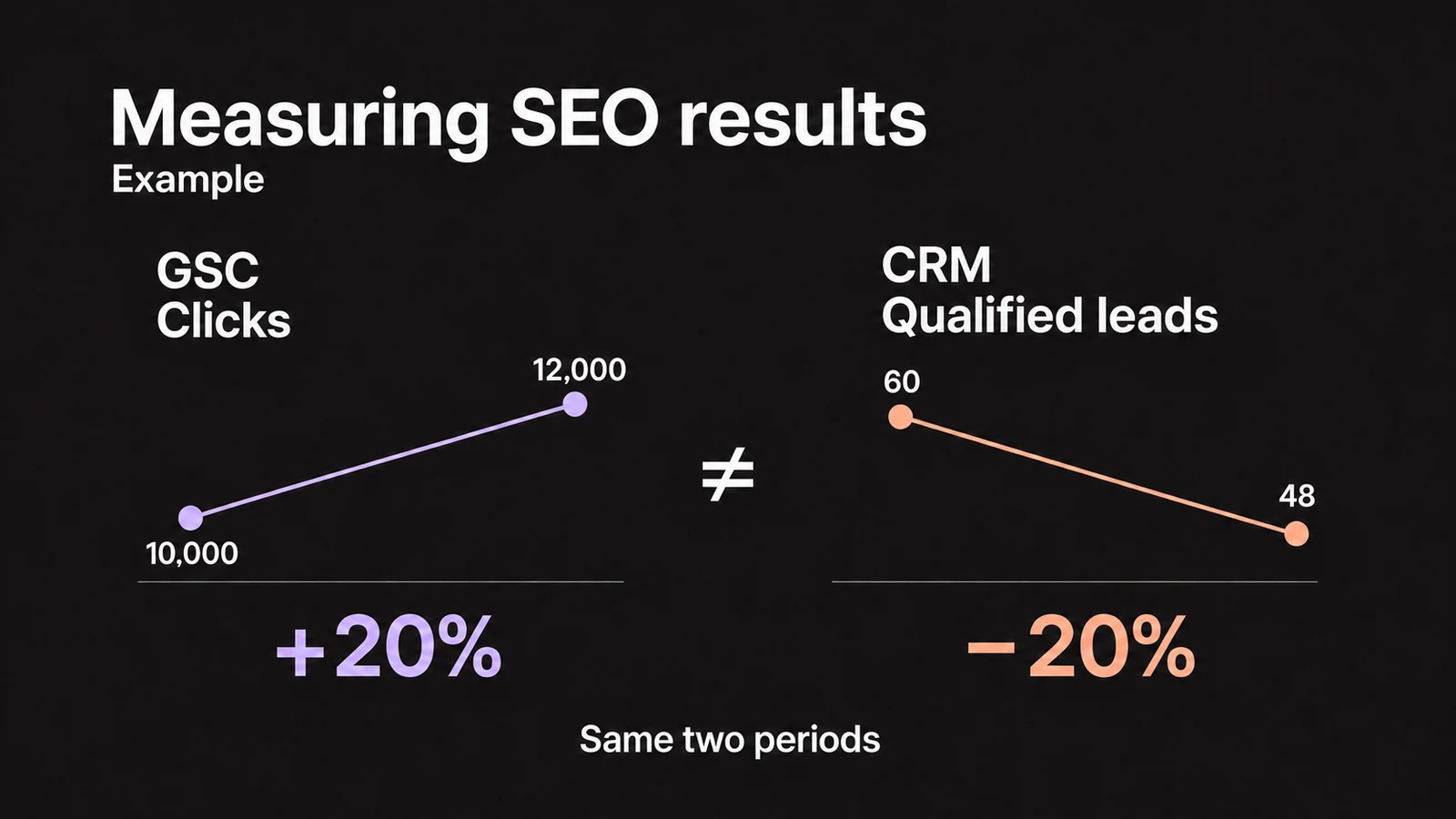
Ask the incoming agency to reproduce a completed report using the same sources, metrics, and settings. Keep the original export and the report configuration used to create it. If the numbers do not match, explain the difference before using the new report to assess growth or a decline.
Hypothetical example: reproducing September's report
The old report shows 8,400 Search Console clicks from September 1 through 30. The incoming agency finds 9,100 clicks for the same site and date range. Checking the settings reveals that the first report includes only the United States, while the second includes every country. Applying the United States filter brings the total back to 8,400. The initial difference was not growth.
The team records: "Domain property: example.com; search type: Web (text-based); September 1 through 30, 2026; country: United States; all devices; no query or page filters; metric: clicks; export and extraction date attached." They save those settings for the next report. These numbers are illustrative, not client results.
In Analytics, preserve the property ID, the organic channel definition, key events, and the dates of tracking or consent changes. If lead measurement changes from button clicks to completed submissions, keep the two series separate and record when the definition changed. For help choosing performance indicators, see how to measure SEO results.
Who works on the site during the transition?
Your internal lead should agree on an exact transition time with both agencies and list any exceptions. For every open task, identify who implements it, who approves it, and who checks the result. Your business can retain approval over priorities even when the new agency coordinates the work.
Record missing deliveries and assign follow-up
The outgoing agency supplies the files and task status. Your internal lead logs missing items, who needs to provide them, and the expected date. The incoming team identifies any gaps that prevent it from working.
Have the incoming agency test what it receives
The new agency tests the required permissions, opens the source files, and reproduces the agreed report. It can test publishing in a staging environment. Only approved changes should go on the live site.
Agree on when publishing changes hands
Record the outgoing agency's last change and the date and time the new team takes over publishing. Assign urgent issues to an available contact. If the old agency has work left to finish, list the affected URLs and each deadline.
Remove unneeded access and check again
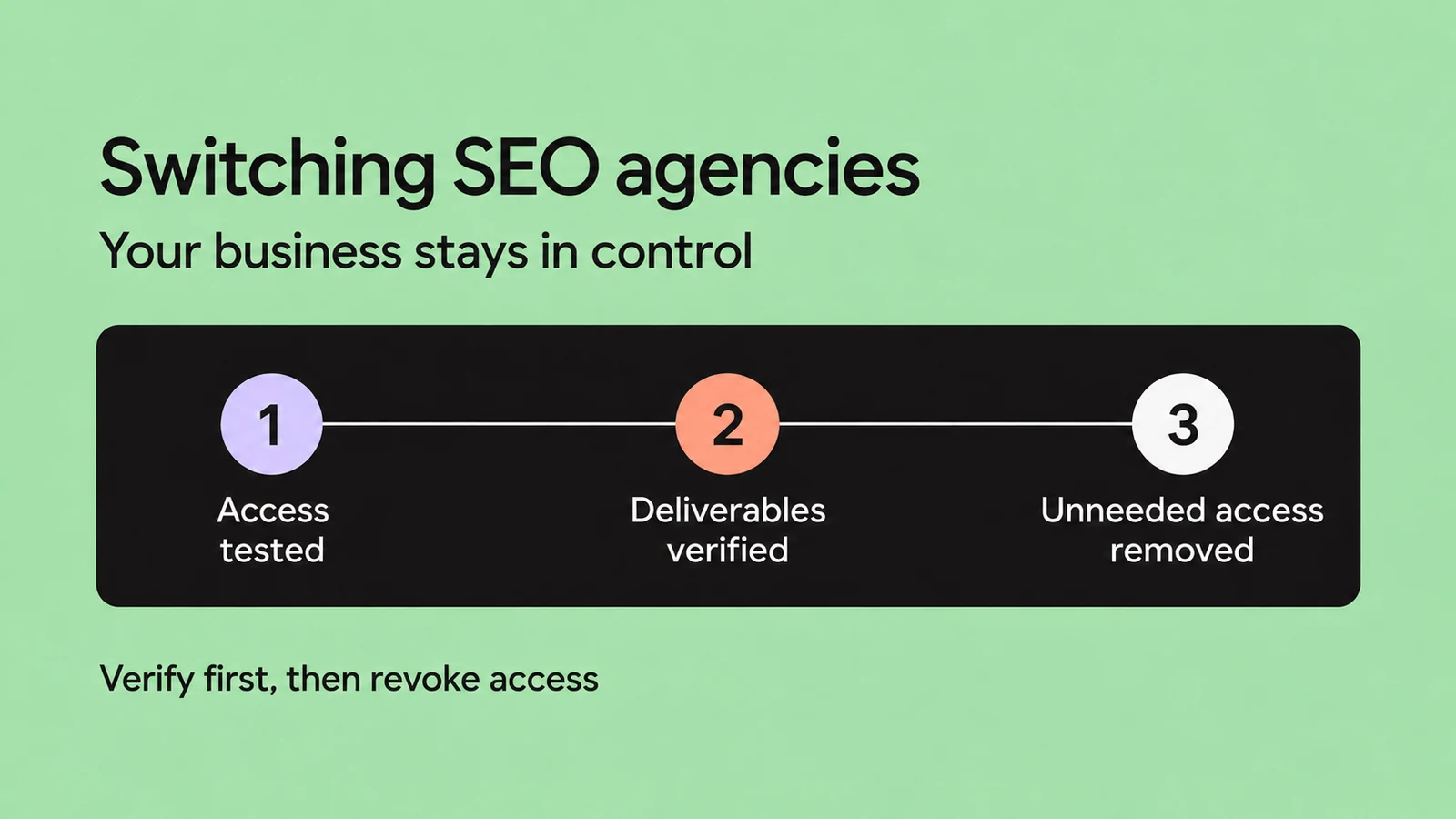
Once deliveries are accepted, system administrators remove permissions that are no longer needed. The incoming project lead then rechecks the site, reports, and integrations that depended on those permissions.
If the agency switch coincides with a site rebuild or URL changes, plan the SEO migration as well. Keep those checks separate: transferring accounts does not establish that the new site's redirects, content, or indexing work correctly.
SEO agency handoff template
Copy this template into a company document and share it with the people involved. Add an entry for each resource, deliverable, and task. For missing information, write "To collect," name the person who will find it, and set the next review date. Do not put credentials in the template.
Completed example: an open task
Hypothetical scenario: the copy on /services/maintenance/ is approved, but the page still needs a link from /services/.
- Task and status
- SEO-17. Internal link approved, not yet published.
- Decision and files
- Link the service card to the detail page. Link text: "Facility maintenance." Brief version 3 is in the company folder.
- Responsibilities
- Mark, the in-house developer, adds the link. Elena, the marketing lead, approves publication. Sarah, the new agency's SEO specialist, checks the result.
- Deadline and dependency
- November 5, 2026, after Mark receives CMS access. Elena confirms access by November 4 and updates the deadline if it is delayed.
- Completion criteria
- The link is on the live page, points to the correct destination, and works on mobile and desktop. Sarah records the URL, date, and test result.
When is the handoff complete?
Your internal lead and the incoming agency should review the recorded evidence together. Keep "delivered" separate from "verified": a file that arrived but will not open still needs attention. Close the handoff when these conditions are met:
- Your business controls the accounts it needs, and the new agency has tested its agreed roles.
- Delivered materials are accessible, and every remaining gap has someone responsible and a deadline.
- The baseline report can be reproduced, or differences have been explained and recorded.
- Every open task has an assigned next action, and someone is responsible for each publication.
- The affected pages, forms, and reports still work after old permissions are removed.
If essential access is missing or a report stops refreshing, keep that part of the handoff open and assign recovery to its administrator. If the old agency is not responding, collect account IDs and evidence of company control, use each platform's recovery process, and involve the person responsible for the contract to address missing deliverables. Tell the new agency which tasks it can start and which remain blocked.
Schedule the first work review after the transition. Start with unfinished tasks and checks that still need a result, then update the log with what has been resolved and the decisions made next.
More questions about switching agencies
Can I switch SEO agencies and keep the current provider for other services?
Yes, if your agreements allow it. List the access the provider still needs for advertising, hosting, or maintenance, and assign permissions for that work. Agree on who can edit pages used by several channels and who approves publishing. Removing every permission could interrupt a service you want to keep.
Does the new agency need to redo the entire SEO audit?
Ask the agency to review the previous audit, when it was done, and which fixes actually went live. It can check unresolved issues and update findings affected by site changes. A broader audit makes sense if reliable data is missing, the site has changed substantially, or the earlier checks cannot be reproduced. Agree on the questions the audit needs to answer before commissioning it.