


Landing page elements for online schools are the specific structural and content components that convert a curious visitor into an enrolled student within seconds. A prospective student decides whether your program is relevant to them within 3 to 5 seconds of arriving on your page. That window is not a suggestion. It is the entire game. The pages that win enrollment do one thing exceptionally well: they lead with transformation, not information. This guide breaks down the 12 essential components every online school landing page needs, grounded in 2026 best practices and real conversion research.

1. Essential landing page elements for online schools
Before building or rebuilding your page, understand what each element is actually doing. A landing page is not a website. It is a single-focus conversion tool with one job: move a specific visitor toward one specific action. Every element below serves that job.
Headline
Your headline is the first and most important element on the page. A clear value proposition should communicate what the program is, who it is for, and why it matters in one sentence. “Become a Certified Data Analyst in 12 Weeks” outperforms “Welcome to Our Data Program” because it names the transformation, the credential, and the timeline. Specificity is what stops the scroll.
Subheadline
The subheadline answers the question your headline raises: how does this actually happen? It clarifies the mechanism, the format, or the key differentiator. Think of it as the bridge between your promise and your proof. Keep it under 20 words and make it concrete.
Hero image or video
Generic stock photos of people staring at laptops destroy credibility instantly. Use images of your actual instructors, real student cohorts, or short video clips from inside the course. Video is particularly effective for online schools because it simulates the classroom experience before enrollment. A 60 to 90 second instructor introduction video placed above the fold consistently outperforms static images in education contexts.
Primary call to action (CTA)
Your primary CTA button must appear above the fold, and specific CTA language describing the exact next step outperforms generic labels like “Get Started” or “Learn More.” “Reserve My Spot” or “Start the Free Lesson” tells the visitor exactly what happens when they click. That clarity removes hesitation.
Social proof
Testimonials, alumni success stories, and quantified results placed near your CTA reduce the anxiety that kills conversions. A quote from a graduate that says “I landed a UX role at a Fortune 500 company three months after completing this course” is worth more than a five-star rating with no context. Position social proof directly above or below your primary CTA, not buried at the bottom of the page.
Trust signals
Security badges, money-back guarantees, and accreditation logos belong adjacent to your forms, not in the footer. Placing them at the point of decision reduces last-step anxiety. If your school is accredited by a recognized body, that logo earns its place right next to the enrollment button.
Enrollment form
Short forms convert higher. Ask only for what you need at this stage: typically a name and email address. Every additional field you add lowers completion rates. Include a one-line privacy statement directly below the form. “We never share your information” is not just reassuring. It is a conversion element.
Mobile-first layout
Over 50% of users access pages on mobile devices, and poor mobile design drastically reduces engagement. Your layout, button sizes, and form fields must be designed for a thumb, not a mouse cursor.
Pro Tip: Run your landing page through Google PageSpeed Insights and Google’s Mobile-Friendly Test before launch. A one-second delay in load time can cost you a measurable percentage of your conversions.
2. How to prioritize outcome-focused messaging over feature lists
Students buy transformations, not features. The number of video modules, downloadable worksheets, or live Q&A sessions in your course is not what motivates enrollment. What motivates enrollment is a clear, believable answer to the question: “What will my life look like after I complete this?”
Feature-heavy copy is the most common mistake on education landing pages. A page that leads with “42 video lessons, 6 downloadable workbooks, and 3 live sessions per month” is describing the container, not the contents. The visitor does not care about the container. They care about the outcome.
The backward design approach, applied to landing pages, means you write the transformation statement first and then map your course content to it as supporting evidence. Here is what that looks like in practice:
The contrast is stark. “12 hours of on-demand content” tells the visitor nothing about their future. “Speak conversational Spanish in 90 days, guaranteed” tells them everything. Outcome-focused messaging aligns your copy to visitor motivation, which is the direct driver of conversion.
Pro Tip: Avoid overloading your page with module-by-module breakdowns. A focused transformation promise with three to five supporting proof points outperforms a 20-item curriculum list every time.
3. How social proof and instructor presence drive enrollment
Online learning lacks the organic social cues of a physical campus. There is no hallway conversation, no visible peer group, and no face-to-face instructor relationship. Engagement does not emerge organically in digital environments. Your landing page has to manufacture those signals deliberately.
The most effective types of social proof for online schools include:
“Well-designed instructor bios linked to course topics improve perceived credibility and help prospects envision faculty support.” — GOA Design Principles
Instructor presence is a trust anchor that most schools underuse. A bio that lists credentials without connecting them to the course topic is a missed opportunity. “Dr. Lena Torres holds a PhD in Behavioral Economics and has spent 12 years teaching negotiation to Fortune 100 executives” is far more persuasive than a list of degrees. Connect the instructor’s background directly to the student’s desired outcome. You can also explore social proof strategies that go beyond testimonials to build visible community signals on your page.
4. Layout, CTA placement, and form design best practices
The structure of your page determines how visitors move through it. A well-designed layout guides the eye from the headline to the proof to the action without requiring the visitor to think about what to do next.
The single-goal principle
A single specific conversion goal with clear CTAs distributed at the top, middle, and bottom of the page optimizes conversion flow. Every navigation link, social media icon, or unrelated offer you add to the page is a potential exit. Remove them. Your landing page is not your website homepage. It has one job.
CTA placement and design
CTA ElementBest PracticePositionAbove the fold, after key proof sections, and at page bottomButton languageSpecific action verb: “Claim My Spot,” “Start Free Trial,” “Get the Syllabus”Color contrastButton color must contrast with background; avoid blending into the page designSizeLarge enough to tap comfortably on mobile (minimum 44px height)RepetitionRepeat the same CTA at least three times on a full-length page
Form design
Keep your enrollment or lead capture form to two or three fields maximum at the top of the funnel. Name and email is enough to start the relationship. You can collect additional information through progressive profiling after the initial conversion. Place your privacy statement and any relevant trust badges directly below the submit button, not in a separate section.
Pro Tip: Label your submit button with the outcome, not the action. “Send Me the Free Lesson” converts better than “Submit” because it reminds the visitor what they are getting, not what they are doing.
5. How to adapt your page for mobile users and accessibility
Mobile-first design is not a feature. It is a baseline requirement. With more than half of all web traffic coming from mobile devices, a page that performs beautifully on desktop but breaks on a phone is a page that fails most of its visitors.
Key elements for mobile and accessibility compliance include:
Testing tools worth using include Google Lighthouse for performance and accessibility scoring, BrowserStack for cross-device testing, and axe DevTools for WCAG compliance checks. Run these tests before every major page update, not just at launch.
Key takeaways
Effective landing pages for online schools convert visitors by leading with transformation outcomes, placing proof near decision points, and removing every element that does not serve the single conversion goal.
PointDetailsLead with transformationState what students will achieve, not how many modules the course contains.Place proof near CTAsTestimonials and trust badges convert best when positioned at the decision point.Use specific CTA language“Reserve My Spot” outperforms “Get Started” by removing ambiguity about the next step.Keep forms shortTwo to three fields at the top of the funnel maximizes form completion rates.Design for mobile firstOver 50% of visitors arrive on mobile; slow or broken pages lose them immediately.
What I’ve learned from watching enrollment pages succeed and fail
I’ve reviewed hundreds of education landing pages over the years, and the pattern is almost always the same. The pages that underperform are not ugly. They are not broken. They are just trying to say too much. Administrators want to show the full curriculum, the instructor team, the platform features, the pricing tiers, the FAQ, and the refund policy all on one page. The result is a page that answers every question except the one the visitor actually has: “Is this going to change my situation?”
The pages that convert well make a bold, specific promise in the headline and then spend the rest of the page proving that promise is credible. They use real faces, real results, and real language from actual students. They do not bury the CTA below three paragraphs of course description. They put it where the eye lands first.
The other thing I’ve seen consistently underestimated is the instructor bio. Schools treat it as a formality. The best pages treat it as a conversion element. When a visitor can see that the instructor has done exactly what they are trying to do, the credibility transfer is immediate. That connection is what makes someone go from “interesting” to “I’m enrolling.”
If you want to improve your page, start with one test: rewrite your headline to name the transformation, the timeline, and the audience. Then measure bounce rate over two weeks. That single change, done well, will tell you more than any design overhaul.
For deeper guidance on crafting headlines that communicate transformation and rank well, the research on SEO-optimized headline structures is worth your time. And if you want a broader look at conversion strategy for education, Qreativa’s education landing page guide covers the full funnel from traffic to enrollment.
Build a landing page that actually fills your enrollment
Knowing what belongs on your page and executing it well are two different problems. Qreativa works with online schools and education businesses as a subscription-based marketing execution partner, handling landing page design, copy, conversion optimization, and ongoing testing without the overhead of hiring an internal team.
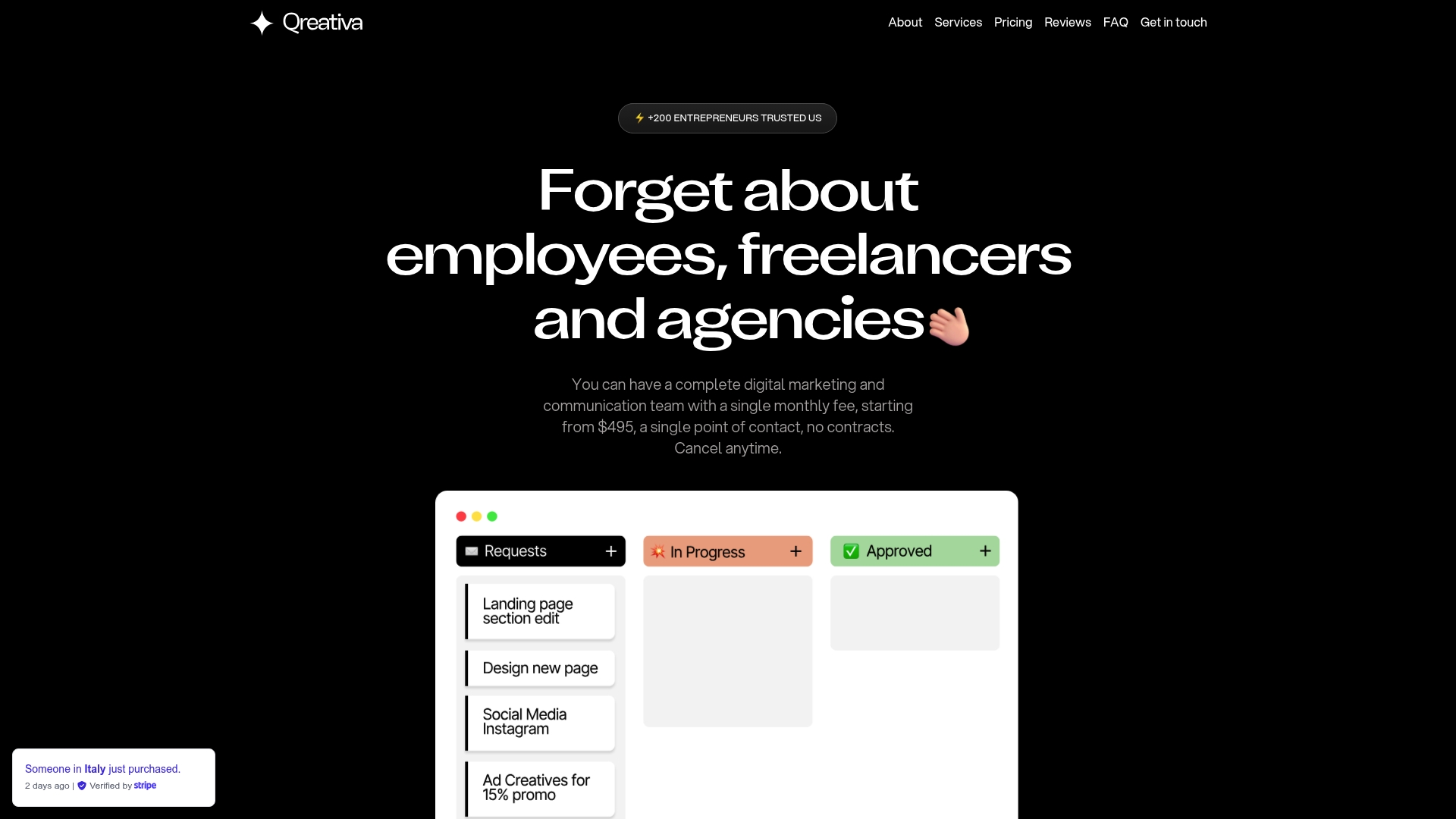
If your enrollment page is not converting at the rate your program deserves, Qreativa can audit, redesign, and optimize it as part of a monthly plan. You submit the request, and the team delivers the work. No freelancer coordination, no agency retainers, no delays. Visit Qreativa’s subscription marketing page to see how the model works and which plan fits your school’s output needs.
FAQ
What are the most important landing page elements for online schools?
The most critical elements are a transformation-focused headline, a specific primary CTA, social proof positioned near the enrollment button, and a short lead capture form. These four components directly address visitor motivation and reduce friction at the decision point.
How long should an online school landing page be?
Page length should match the complexity of the enrollment decision. A free course or low-cost program can convert with a short page. A high-ticket certification program typically needs more proof, more testimonials, and a detailed instructor section before the visitor is ready to act.
Where should the CTA button appear on the page?
Place your primary CTA above the fold, repeat it after your main proof section, and include it again at the bottom of the page. Strategic CTA distribution at the top, middle, and bottom of the page captures visitors at different stages of readiness.
How many form fields should an enrollment form have?
Two to three fields is the standard for top-of-funnel lead capture. Name and email address are sufficient to start the enrollment conversation. Additional information can be collected through follow-up sequences or progressive profiling after the initial form submission.
Does mobile design really affect enrollment rates?
Yes, directly. More than 50% of users access pages on mobile, and a page that loads slowly or displays incorrectly on a phone loses those visitors before they read a single word of your copy.