


An education landing page is a focused webpage with a single conversion goal: turning a prospective student’s interest into a lead, an application, or an enrollment. Most school and program pages fail not because of poor design but because they bury the answer to the three questions every visitor asks immediately: What is this? Who is it for? What do I do next? This guide walks you through the full process to create an education landing page that answers those questions fast, builds trust systematically, and converts at a rate worth measuring.
What do you need before you create an education landing page?
Before you write a single headline or choose a template, two decisions determine everything else: who you are targeting and what one action you want them to take. A graduate program targeting working professionals needs different messaging than a short online course targeting recent graduates. Conflating the two produces a page that speaks to no one clearly.
Once your audience and goal are defined, select your build tool. No-code builders like Webflow, Unbounce, and Carrd let you publish a functional page in hours without a developer. For teams that need speed and structure, template-based tools such as Beste offer pre-built landing page sections that answer the core visitor questions out of the box. The tool matters less than the discipline to keep the page focused on one offer.

Prepare your content assets before you open any builder. You need a headline that names the outcome, a subheadline that names the audience, at least two proof elements (testimonials, rankings, or accreditation logos), a clear description of what the program includes, and a primary CTA. Collecting these upfront prevents the most common delay: staring at a blank template with nothing to fill it.
Pro Tip: Write your CTA button text before your headline. If you cannot state the one action in three words or fewer, your conversion goal is not clear enough yet.
Here is a quick comparison of content types you need to prepare:
| Content type | Purpose |
|---|---|
| Outcome-focused headline | Communicates the primary benefit in under 10 words |
| Audience qualifier | Tells visitors immediately whether this program is for them |
| Proof elements | Builds credibility before the visitor reaches the CTA |
| Program details in plain language | Reduces uncertainty about what enrollment actually involves |
| Primary CTA | Drives the single conversion action the page is built around |
What are the essential structural elements of an effective education landing page?
The decision-first content order is relevance, outcome proof, trust, risk reduction, and action. Pages built in this sequence convert better because they match the mental journey a prospective student takes, not the order an institution prefers to present information.
A well-structured education landing page contains six to eight sections. Each one has a specific job:
-
Hero section. State what the program is, who it is for, and what the visitor should do next. Effective hero sections answer those three questions in under five seconds. Include your primary CTA here, above the fold.
-
Benefits framed as outcomes. List what students will be able to do, earn, or achieve after completing the program. Avoid listing features like “12 modules” without connecting them to a result.
-
Social proof. Testimonials from named graduates, employer logos, rankings, and accreditation badges all reduce skepticism. Named credentials and rankings outperform generic authority claims like “world-class faculty” on every measurable metric.
-
How it works. A three to five step explanation of the enrollment or learning process removes the fear of the unknown. Prospective students drop off when they cannot picture what happens after they click Apply.
-
Curriculum or program details. Write these in observable, student-friendly terms. “You will learn to analyze financial statements using Excel” is more persuasive than “Financial Analysis Module.”
-
FAQ section. Address the objections that stop people from converting: cost, time commitment, prerequisites, and outcomes. Pages with six to eight sections including FAQ convert measurably better than shorter pages.
-
Final CTA. Repeat the primary action at the bottom of the page. Match the language to where the visitor is in their decision. Someone who has read the full page is warmer than someone who just arrived, so your final CTA can be more direct.
Pro Tip: Place a secondary proof element, such as a student quote or an enrollment number, directly above your final CTA. Visitors who reach the bottom of the page are close to converting. One last trust signal closes the gap.
How to write copy and design for maximum student lead conversion
Headline clarity anchors the entire page narrative. An unclear headline makes every other element on the page work harder for no reason. Write headlines that name a specific outcome for a specific person: “Earn a Project Management Certificate in 6 Months, Online” beats “Advance Your Career with Our Program” on every dimension.

Design the page mobile-first. Most prospective students research programs on their phones, often during commutes or lunch breaks. A layout that requires horizontal scrolling or features tiny form fields loses those visitors before they read a single benefit. Keep forms short: name, email, and one qualifying question is enough to start a lead conversation.
Integrate pricing, time commitment, and admissions steps transparently. Program pages that communicate cost, funding options, and next steps clearly generate better quality leads because visitors self-qualify before submitting a form. Hiding tuition until a sales call creates friction and attracts low-intent inquiries.
Trust signals specific to education carry more weight than generic ones. Faculty names with credentials, partner employer logos, and specific graduate outcomes (“87% of graduates report a salary increase within 12 months”) perform better than stock photography of smiling students. Specificity signals honesty.
Pro Tip: Test two CTA phrasings: one action-oriented (“Apply Now”) and one low-commitment (“Download the Program Guide”). Specific CTAs consistently outperform generic ones like “Learn More,” but the right specific CTA depends on where your traffic is in the buying cycle.
Keep form fields to the minimum required for your sales process. Every additional field reduces submission rates. If your admissions team only needs a name and email to start a conversation, do not ask for phone number, graduation year, and preferred start date on the first touch.
What are common mistakes to avoid when optimizing landing page performance?
Education landing pages average around a 4.0% conversion rate, with top performers reaching 8.5%. The gap between average and top performance is almost always explained by a handful of fixable mistakes, not by design talent or budget.
The most damaging mistake is mismatched messaging between the traffic source and the page. A Google Ad promising “Free MBA Information Session” that lands on a general business school homepage loses the visitor in seconds. The page headline must mirror the ad or email subject line that brought the visitor there.
Other common errors include:
-
Leading with institutional history instead of student outcomes. Visitors do not care that your school was founded in 1892 until they know the program solves their problem.
-
Burying the CTA below excessive detail. Place your primary CTA in the hero section and repeat it at least once more before the page ends.
-
Skipping CRM and tracking setup before launch. Linking form submissions to CRM systems and tracking traffic sources before publishing prevents leads from being lost or misattributed. Set this up first, not after you notice the data is missing.
-
Ignoring mobile usability. A page that looks perfect on desktop but breaks on mobile cuts your potential lead pool in half.
Pro Tip: Run A/B tests on one element at a time: headline, CTA text, or hero image. Tests focused on CTA, hero messaging, and mobile experience show the highest win rates for education pages. Testing everything at once makes it impossible to know what moved the needle.
How does program type change your CTA strategy?
Not every education program should use the same call to action. The right CTA depends on the length of the buyer’s decision cycle and the level of commitment the program requires.
For long-cycle programs like MBA degrees or executive education, brochure downloads work better as primary CTAs than immediate application buttons. Prospective students for these programs need to evaluate options offline, discuss with family or employers, and compare costs before committing. A brochure download captures the lead at an earlier stage and starts a nurture sequence.
For short-cycle, low-friction offers like a four-week online course or a professional certification under $500, a direct “Enroll Now” or “Start Today” CTA is appropriate. The decision cycle is short, the commitment is low, and hesitation is the enemy.
The most effective pages for mid-range programs offer multiple conversion paths aligned to visitor intent: an early-stage visitor gets a brochure, a high-intent visitor gets an application link, and an undecided visitor gets a “Book a Call” option.
| Program type | Primary CTA | Secondary CTA |
|---|---|---|
| MBA or graduate degree | Download brochure | Book an info session |
| Executive education | Request program guide | Apply now |
| Short online course | Enroll now | View curriculum |
| Professional certification | Start today | Download syllabus |
| Free or freemium program | Sign up free | Share with a colleague |
Key takeaways
An effective education landing page converts by answering who the program is for, what outcome it delivers, and what to do next, in that exact order, before asking for any commitment.
| Point | Details |
|---|---|
| Define audience and goal first | Clarify who you are targeting and the one action you want before building anything. |
| Follow the decision-first structure | Order content as relevance, outcome proof, trust, risk reduction, then action. |
| Match CTA to buyer readiness | Use brochure downloads for long-cycle programs and direct enrollment for short-cycle offers. |
| Set up tracking before launch | Connect forms to your CRM and configure conversion tracking before the page goes live. |
| Test one element at a time | Focus A/B tests on CTA text, hero messaging, and mobile experience for the highest win rate. |
What I have learned from building education landing pages
The single biggest mistake I see education institutions make is treating a landing page like a brochure. A brochure is designed to impress. A landing page is designed to convert. Those are different jobs, and they require different thinking.
The institutions that get the best results are the ones willing to put the student’s question, “Will this program change my situation?” ahead of the institution’s desire to lead with prestige and history. That shift in perspective changes everything: the headline, the structure, the proof you choose to show, and the CTA you lead with.
I have also found that most teams underestimate how much mobile experience matters. A page that loads slowly or displays a form that is hard to fill on a phone is not a minor inconvenience. It is a conversion killer. Testing on an actual phone, not a browser simulator, reveals problems that would otherwise stay invisible until your data shows a 2% mobile conversion rate against an 8% desktop rate.
The other thing worth saying plainly: SEO and conversion optimization are not competing priorities. A page that ranks but does not convert wastes traffic. A page that converts but gets no traffic wastes design work. The two strategies reinforce each other when the content is genuinely useful and the structure is built around what the visitor needs to know.
Start with a template, customize it for your specific program and audience, and measure from day one. Iteration beats perfection every time.
— Michele
How Qreativa helps education institutions build landing pages that perform
Education institutions that know what they need but struggle with execution are exactly who Qreativa is built for. Whether you need a landing page built from scratch, an existing page redesigned for better conversion, or a full tracking and CRM setup before launch, Qreativa handles the execution so your team does not have to manage designers, developers, and analysts separately.
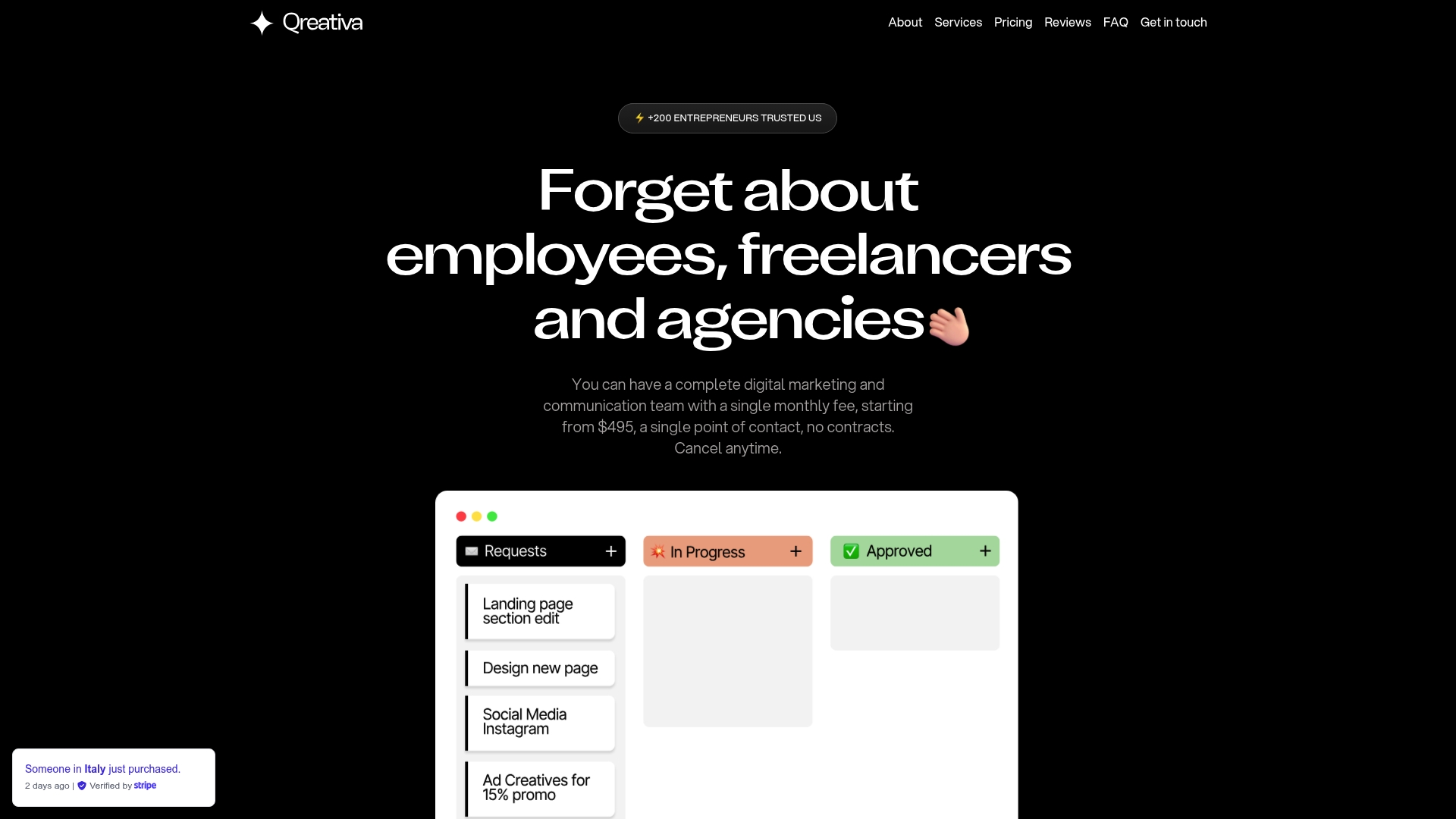
Qreativa’s subscription model means you submit the request, and the work gets done with consistent quality and clear communication. No hiring, no freelancer management, no agency retainers. From copy and design to A/B testing and analytics, it is all covered under one plan. If your institution needs a faster path from strategy to a live, converting page, explore Qreativa’s services and see how the subscription model works in practice.
FAQ
What is an education landing page?
An education landing page is a single-purpose webpage designed to convert prospective students into leads or enrollments by communicating program value, building trust, and driving one specific action. Unlike a general school website, it removes distractions and focuses entirely on one offer.
How long should an education landing page be?
Pages with six to eight sections, including hero, benefits, proof, how-it-works, FAQ, and CTA, convert better than shorter pages. The right length is determined by how much information a prospective student needs to feel confident enough to take the next step.
What conversion rate should an education landing page achieve?
Education landing pages average around 4.0% conversion rate, with top-performing pages reaching 8.5%. If your page is below 4%, start by testing your headline, CTA text, and mobile experience before making larger structural changes.
Should I use one CTA or multiple CTAs on an education landing page?
Use a primary CTA in the hero section and repeat it at the bottom of the page. For mid-range programs, add a secondary CTA aligned to lower-intent visitors, such as a brochure download or a “Book a Call” option, to capture leads at different stages of the decision cycle.
How do I track leads from an education landing page?
Connect your form submissions to a CRM or email marketing platform before the page goes live. Set up conversion tracking in Google Analytics or your ad platform to attribute leads to the correct traffic source. Planning this before launch prevents data gaps that cannot be recovered after the fact.